

Building a Real-Time Order Tracking API
Step-by-step approach to designing APIs that handle live shipment updates without crashing when traffic spikes.
Read ArticleThe difference between helpful delivery alerts and spam comes down to timing, content, and frequency. We'll show you what actually works.
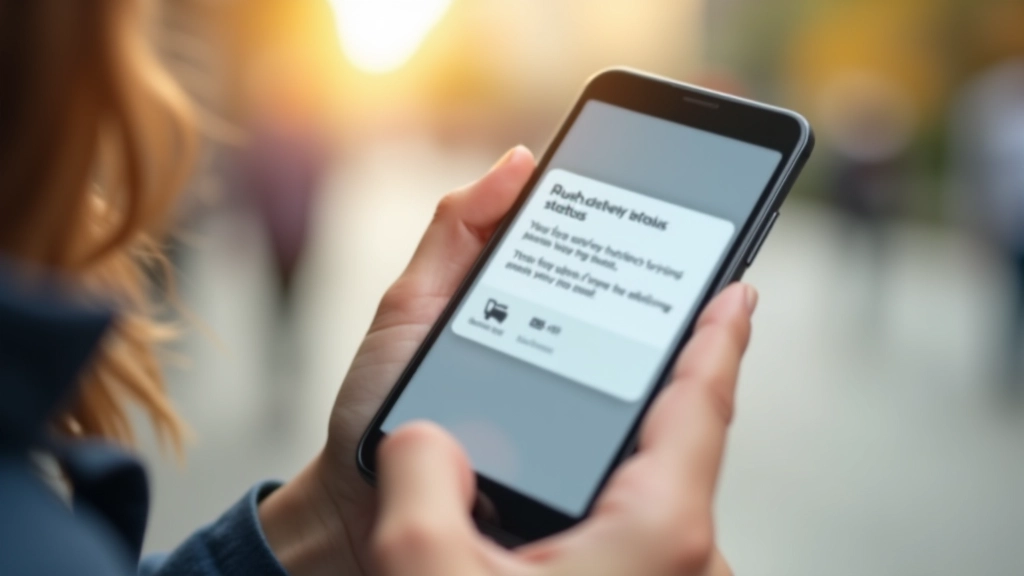
Users expect to know where their packages are. They don't expect seventeen updates about the same shipment, though. The challenge isn't sending notifications — it's sending the right ones at the right time.
We've watched logistics companies get this wrong. Push notifications that arrive at 2 AM. SMS alerts that duplicate each other. In-app messages that interrupt users right when they're trying to do something else. Users end up disabling notifications entirely, which defeats the whole purpose.
Here's what we've learned from building notification systems for delivery tracking: the best strategies are specific, honest, and respectful of timing. Let's break down how to actually do this right.
Most delivery apps send notifications whenever something happens. Package scanned? Notification. Truck left the depot? Notification. In customs? Notification. Users get overwhelmed and stop caring.
Smart timing means batching updates. If a package moves through three sorting facilities in one night, you don't send three notifications. You wait until morning when users are actually awake and alert. Send one summary: "Your package moved through three distribution centers and is on track."

You've got maybe 50 characters before the notification gets cut off on most phones. Use that space wisely.
Don't write: "Your package with tracking number 1Z999AA10123456784 from vendor XYZ has been processed at our sorting facility in Toronto."
Write: "Package arriving Thursday. Out for delivery now."
The second one actually tells users what they need to know. No jargon, no tracking numbers, no corporate language. Just the facts that matter to someone waiting for their delivery.
"Users don't care about your process. They care about when they can get their package."
Include exactly three pieces of information: the current status, the next expected action, and when they should expect it. Nothing else. Users will tap through to the app if they want more detail.
Here's what we recommend: one notification per status change, maximum. Not one per day, not one per facility scan. One per meaningful change.
Send immediately. This reassures users the purchase went through.
Send when packed and handed to carrier. Skip the intermediate warehouse scans.
Send in the morning on delivery day. Users actually need this one.
Send immediately if there's a problem (signature required, address issue, missed delivery).
That's four notifications maximum for a single shipment. Maybe five if something goes wrong. Most delivery apps send way more than that, and users notice.
Not everyone wants push notifications. Some users prefer email. Others want SMS because they check their phone constantly. Your job is to give them options — and actually respect their choices.
Best for: Users who check their phone regularly and want real-time alerts. Time-sensitive delivery updates. Out for delivery notifications that users need to act on.
Best for: Detailed summaries. Users who prefer written records. Anything that doesn't need immediate action. This is where you can include tracking links and full details.
Best for: Users actively using your app. Contextual updates that fit naturally into the tracking screen. Don't use this for urgent alerts — not everyone opens the app daily.
Best for: Critical alerts only. Delivery day notifications. Issues that need immediate action. SMS has high engagement but also high annoyance factor — use sparingly.
The key: let users customize which channels they use for which notifications. Someone might want SMS for delivery day but email for status updates. Another user wants only push notifications. Build controls that actually work and actually respect those preferences.
The best notification strategy is one users don't think about. They get alerts when they need them, the messages are clear and honest, and they're never bothered by spam. It's not complicated — it just requires discipline.
Start with the four core notifications (confirmed, ready to ship, out for delivery, delivered/issue). Respect timing and don't send alerts between 10 PM and 8 AM. Keep messages short and focused on what users actually need to know. Let them choose their channels.
Do this consistently, and users will actually want your notifications. They'll enable them by default. They'll check your app first when they're waiting for a delivery. That's the goal — notifications that add value instead of creating frustration.
This guide is provided for educational and informational purposes. The strategies described reflect industry best practices and practical experience with notification systems. Implementation may vary based on your specific platform, user base, and regulatory requirements. We recommend testing notification strategies with your own users and adjusting based on their feedback and behavior data. Always ensure compliance with applicable laws and platform requirements regarding user communications.

Editorial Team
Written by the TrackFlow Logistics editorial team, focused on practical guidance for order tracking and delivery management.
Step-by-step approach to designing APIs that handle live shipment updates without crashing when traffic spikes.
Read Article
You'll learn how to handle Canada Post, UPS, FedEx, and local couriers all in one tracking interface.
Read Article
Creating a chatbot that doesn't sound robotic is harder than it seems. Here's how to build one that feels natural.
Read Article